Bubble Templates: What They Are, How to Choose and Use One
A practical guide to Bubble templates: what they are, the main types, how to choose between free and paid, and how to go from a template to a working product.
If you are starting a product on Bubble, there is a faster way than designing every screen yourself: start from a template. This guide explains what Bubble templates are, which types exist, how to choose one and what to do after you pick it.
What is a Bubble template?
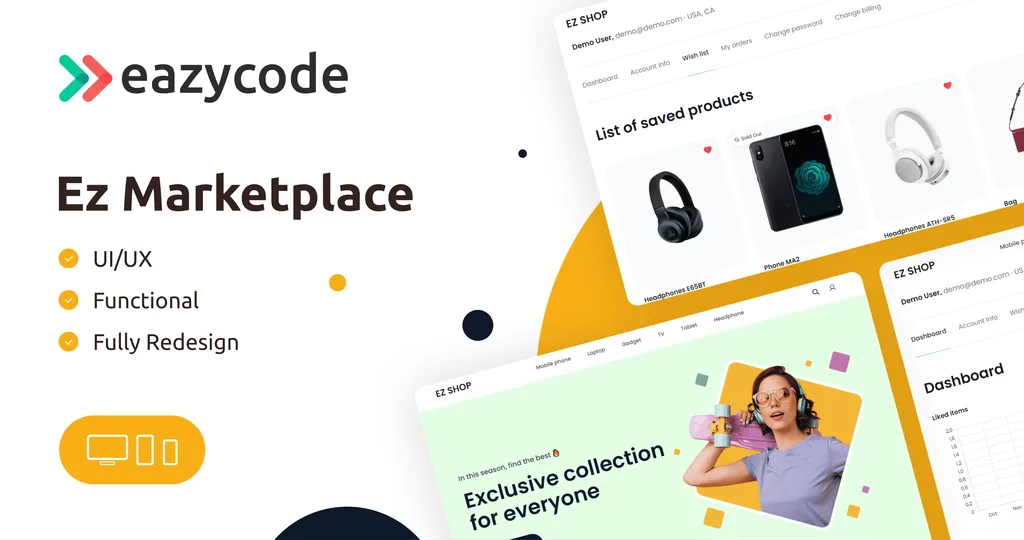
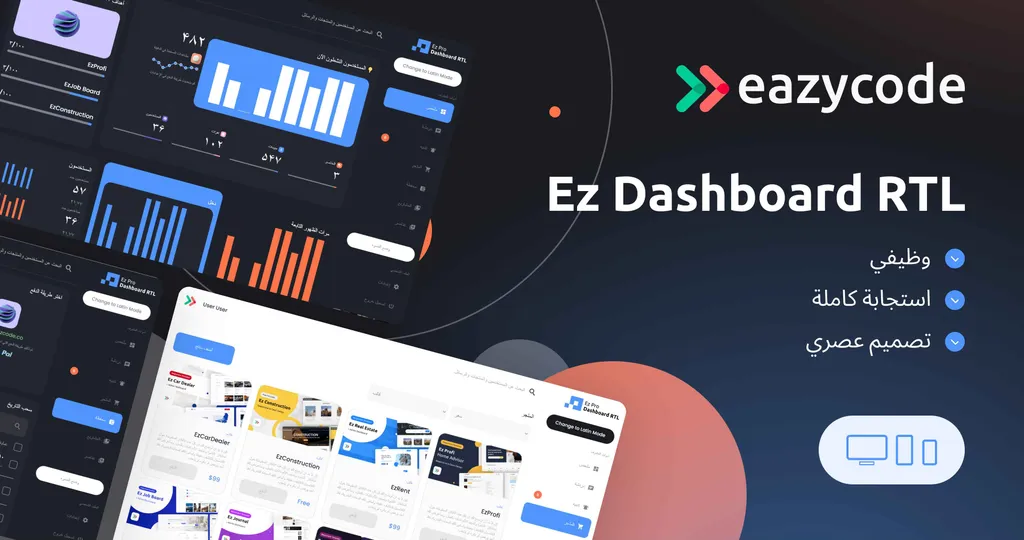
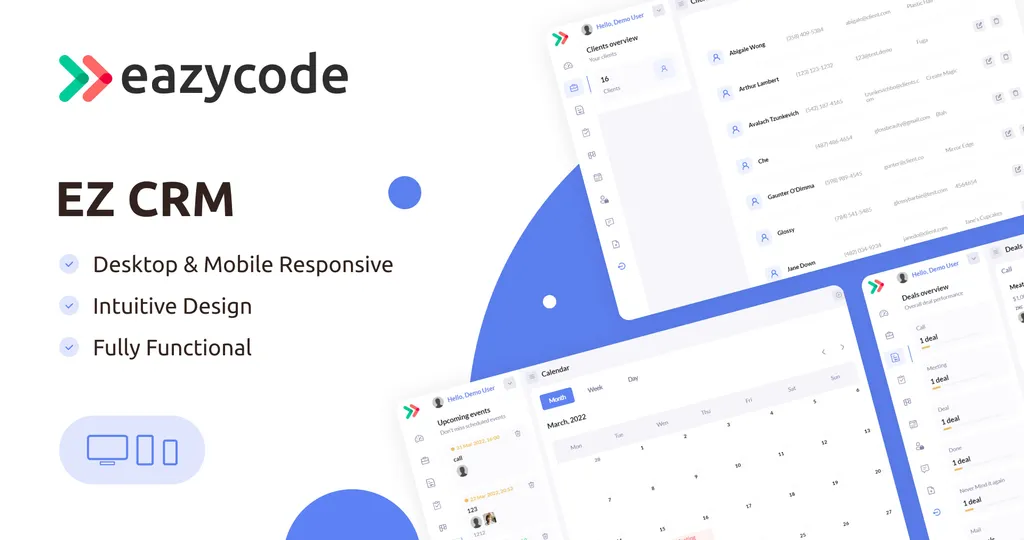
A Bubble template is a ready-made app built on the Bubble no-code platform. It already has screens, a database structure and workflows for a specific kind of product, such as a marketplace, a CRM, a dashboard or a booking system. You open it in the Bubble editor and change it to fit your idea.
EazyCode has published 75 templates, and the library has been installed more than 125,000 times. You can browse all of them in our Bubble template library.
Why start from a template
- You save design and setup time. The core screens and flows already exist.
- You test your idea sooner. A working base lets you put something in front of users in days, not months.
- You learn by editing. Seeing how a finished app is structured is a good way to understand Bubble.
- You pay only for the changes. If you hire a team, they customise instead of building from zero.
Types of Bubble templates
Templates are grouped by what they are for. These are the largest groups in our library:
| Category | What you can build | Templates |
|---|---|---|
| Admin Panel | Back-office tools and admin dashboards | 41 |
| Marketplace | Multi-sided platforms and shops | 16 |
| Dashboard | Analytics and SaaS dashboards | 16 |
| Appointment/Booking | Scheduling and reservations | 15 |
| Listings | Job boards, directories and listings | 15 |
| CRM System | Clients, deals and support | 12 |
| Shop | Online stores | 11 |
| Landing Page | Landing pages and websites | 7 |
There are also smaller categories such as Education, Medical, Travel App, Real Estate and AI Solution. One template can belong to several categories.
Free or paid?
Our library has 13 free templates and 62 paid ones. Paid templates start at $21. Each paid template has a Standard license price, and many also have a Developer license price, which is shown on the template page.
Free templates are a good way to learn and to test an idea. Popular examples are Ez Dashboard + OpenAI, Ez Marketplace - Shop v3.0 and Ez Task Manager v2.0. See the full list in Best Free Bubble Templates.
Paid templates usually cover a more specific use case, with more screens and features, such as a food delivery app, a job board or a medical appointment system.
How to choose a Bubble template
- Start from the main workflow. What is the one thing your product must do? Pick the template that already does it.
- Open the live demo. Every template has one. Use it like a customer would.
- Read the features and documentation. Each template page lists its key features, and most link to documentation that explains the structure.
- Check the gaps. List what is missing for your idea. If it is small, customise the template; if it is large, consider a custom build.
- Compare free and paid. Start free if you are learning, and choose a paid template when its features match your project.
How to use a template
- Try the demo. Click Preview on the template page and go through every role.
- Open it in the Bubble Marketplace. The Bubble button on the template page takes you to the marketplace listing, where you can get the template. Follow the steps shown there.
- Read the documentation. It explains the pages, the data and the workflows.
- Make it yours. Change branding and content first, then the data model, payments and integrations.
- Test and launch. Walk through each user flow before you invite real users.
Common mistakes
- Choosing by looks alone. The design can be changed; the workflow and data model are harder to change. Choose by function first.
- Skipping the demo. Fifteen minutes in the demo shows whether a template fits.
- Changing too much at once. Make small changes and test after each one.
- Forcing a template that does not fit. If most of your idea is missing, a custom build is faster than reshaping the wrong template.
When to ask for help
If you would rather not customise a template yourself, our team can do it. We work hourly at $40 per hour, and a typical MVP takes about four weeks. See Bubble MVP development, hire Bubble developers or our Bubble development agency page.
Frequently asked questions
Are Bubble templates free?
Some are. We have 13 free templates and 62 paid ones.
Can I customise a template?
Yes. Templates are built in the Bubble editor, so you can change the design, data and workflows without code, or ask our team to do it.
Can I try a template first?
Yes. Every template has a live demo.
Are there templates for platforms other than Bubble?
We also publish a free template for FlutterFlow, a booking app. See hire FlutterFlow developers if you want a mobile app.